Please see my other MVC articles.
Leveraging a GUI tool to quickly construct a class.
In this article I will demonstrate Visual Studio’s Class Diagram tool which allows developers to quickly construct a C# class with much less errors.
First, I’ll create a new model class to demonstrate this feature.
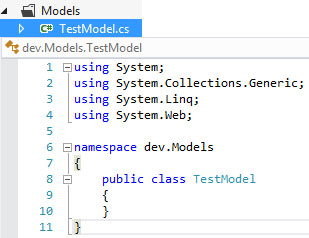
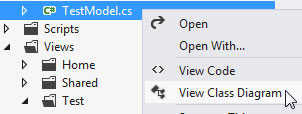
Next, I’ll invoke the tool.
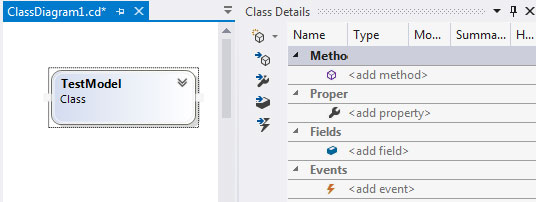
Now I’m presented with a new class diagram with designer pane and property window.
I’ll right-click the Class object to leverage the context menu to create my FirstName property.
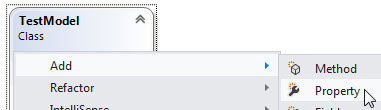
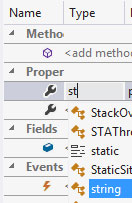
After naming my property I’ll change its datatype to string.
By double-clicking the Class object, I’m taken to my new class’s code.
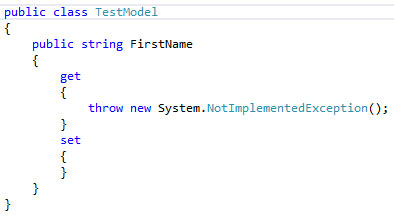
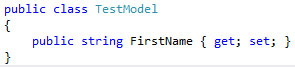
Since this property need only support trivial get/set operations I prefer to use auto-implemented properties available since C# 3.0.
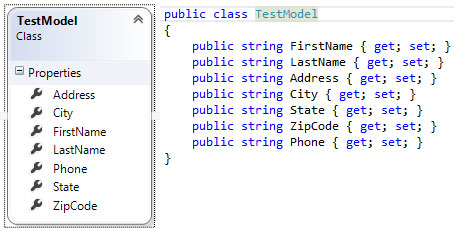
Now I’ll repeat the process to create a more robust Model.
 TechMbaBi